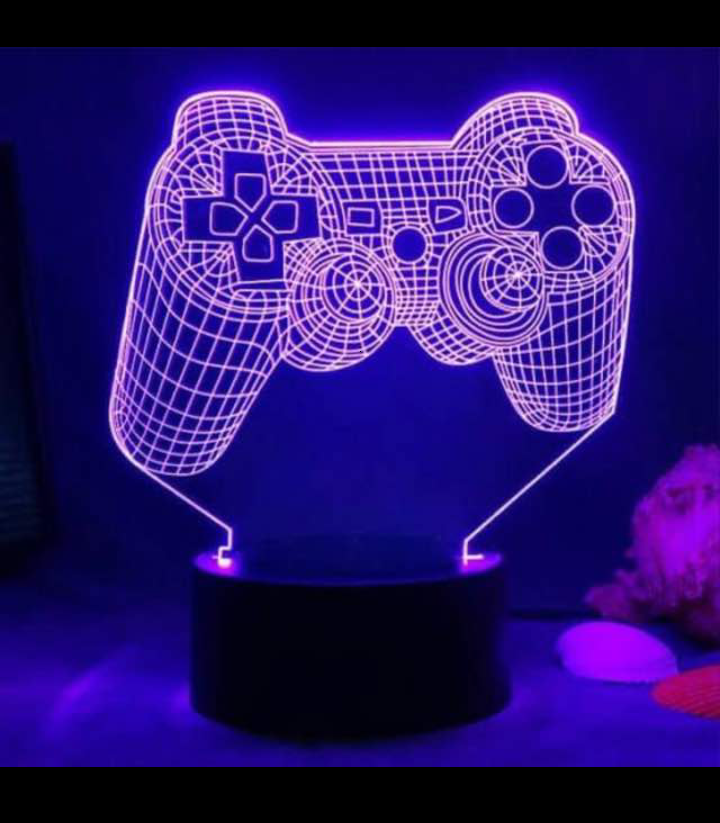
1. Make sure you turn on PS3 Game on.
2. Turn on your controller and connect it to your PC. Plug the narrow end of the controller’s USB charging cable into the controller and the large end of the USB cable into one of your computer’s USB ports. To turn your controller on, press the stylized “PS” button in the middle of your controller.As long as the controller’s battery is charged, it can be connected by simply pressing the PlayStation button and waiting. The four LEDs at the top – generally used to designate controller number – will blink briefly as the DualShock 3 searches for nearby devices it can connect to.
3. When connected you are free to use your PS3 pad successful when it has been connected.
 Confidence Game world.com
Ok,it was helpful
LikeLike